European Notion Alternatives
A curated collection of the 12 best European alternatives to Notion.
The best European alternative to Notion is Zenkit. If that doesn't suit you, we've compiled a ranked list of other European Notion alternatives to help you find a suitable replacement. Other interesting alternatives to Notion are: CryptPad, Stackfield, Nuclino, and Superlist.
Notion alternatives are mainly Team Collaboration Platforms but may also be Note-Taking Tools or Project & Task Management Software. Browse these if you want a narrower list of alternatives or looking for a specific functionality of Notion.
This list contains services from companies headquartered, including any parent companies, in the European Union (EU), the European Economic Area (EEA), the European Free Trade Association (EFTA), the United Kingdom, an EU candidate country, or a European microstate. Russia and Belarus are excluded. You can read more about the listing conditions here.

Written by Piotr Kulpinski
Notion

Flexible project management platform supporting Agile, Kanban, Gantt, and traditional workflows. EU-based with GDPR compliance and 24/7 support.

Zenkit is a comprehensive project management platform designed to accommodate any methodology, from Agile and Scrum to traditional Waterfall approaches. The tool offers multiple data views including Kanban boards, Gantt charts, tables, and mind maps, allowing teams to visualize their work in the most suitable format.
Key features include:
- Adaptable workflows that scale from simple to-do lists to enterprise solutions
- Real-time collaboration with task-based messaging and audio comments
- Resource management with workload filtering and scheduling capabilities
- 100+ ready-made reports in customizable dashboards
- 1-click migration from Trello, Asana, and Microsoft To Do
The platform prioritizes user accessibility by offering different interface complexity levels - basic users see simplified views while power users access advanced features. This approach ensures team adoption without extensive training requirements.
Security and compliance are paramount, with all data stored on EU servers in Germany and full GDPR compliance. The dedicated support team resolves all requests within 24 hours, backed by project management experts.
Zenkit integrates with 1500+ tools via Zapier and supports 10+ languages, making it suitable for international teams. The platform has earned recognition from major publications including Lifehacker, The Next Web, and Forbes for its balance of simplicity and powerful functionality.

Open-source collaboration suite offering encrypted document editing, file sharing, and team workspaces with complete privacy protection.

CryptPad is a revolutionary collaboration platform that puts privacy first without sacrificing functionality. Built on zero-knowledge encryption, it ensures that only you and your collaborators can access your documents - not even the server administrators can read your content.
The platform offers a comprehensive suite of collaborative tools including rich text documents, spreadsheets, presentations, code editors, and whiteboards. All editing happens in real-time with multiple users, making it perfect for teams that need to work together seamlessly.
Key advantages include:
- End-to-end encryption for all documents and communications
- No registration required for basic use - share links directly
- Self-hostable open-source solution for complete control
- GDPR compliant with servers located in Europe
- Cross-platform compatibility works in any modern browser
Unlike traditional cloud services, CryptPad operates on a zero-knowledge architecture, meaning your data is encrypted before it leaves your device. This makes it ideal for sensitive business documents, legal work, journalism, or any scenario where confidentiality is paramount.
The platform supports team workspaces, shared folders, and granular permissions, making it suitable for both individual users and organizations seeking a privacy-focused alternative to mainstream collaboration tools.

End-to-end encrypted project management and team collaboration platform. German-hosted with ISO 27001 certification for sensitive business data.
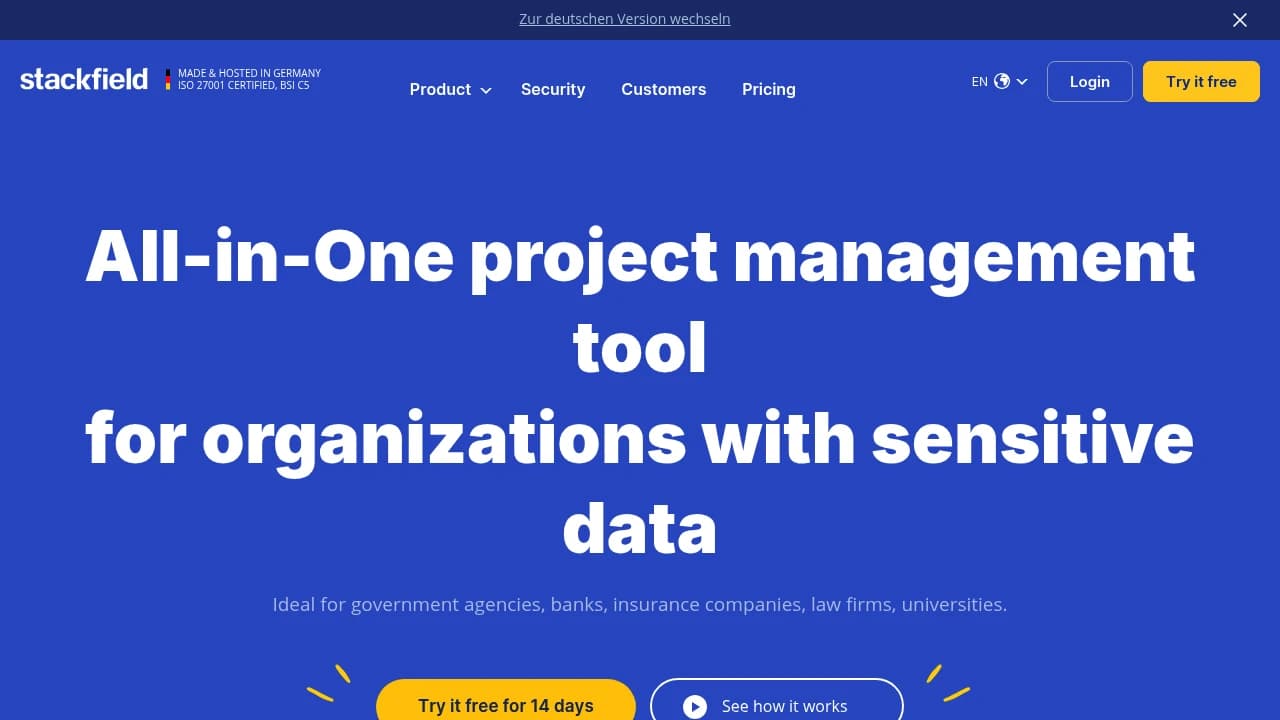
Stackfield is a comprehensive collaboration platform designed specifically for organizations handling sensitive data. Built and hosted in Germany, this all-in-one solution combines project management, team communication, and document collaboration with military-grade end-to-end encryption.
Key features include:
- Task management and workflows with clear visibility for all team members
- Real-time project communication through group chats, discussions, and comments
- Video conferencing and screen sharing for efficient remote collaboration
- Collaborative document editing with centralized knowledge management
- Interactive whiteboards for brainstorming and process visualization
- Timeline and portfolio views for comprehensive project oversight
Security is paramount - all data is encrypted directly in your browser before transmission, ensuring that even Stackfield cannot access your messages, files, or tasks. The platform meets ISO 27001 certification standards and complies with EU-GDPR regulations.
Trusted by over 10,000 companies since 2012, Stackfield serves government agencies, banks, insurance companies, law firms, and universities that require the highest levels of data protection. Available across all devices with 2-factor authentication, Single Sign-On, and DDoS protection for enterprise-grade security.
Bring team knowledge, documents, and projects together in one simple, fast, and unified workspace. Organize information and manage tasks effectively.

Bring all your team's essential work into a single, accessible hub. Organize knowledge, manage projects, and share ideas effectively. This platform offers a modern, simple, and remarkably fast way to collaborate, with key advantages including:
- Unified Space: Say goodbye to scattered tools. Consolidate your workflows into one central place, preventing information silos and reducing the friction of context switching.
- Super Simple Interface: Enjoy an intuitive and clutter-free experience. The design is focused on simplicity, allowing your team to focus on what matters without unnecessary complexity.
- Blazingly Fast Performance: Work at the speed of thought. Benefit from quick setup, instant search that finds anything in a flash, and helpful hotkeys for maximum efficiency.
This approach allows you to bring knowledge, documents, and projects together seamlessly, creating a true collective brain for your team.
All-in-one task manager combining work projects, personal tasks, and AI-powered meeting notes. Organize everything from groceries to deadlines in one place.

Superlist brings together work and personal task management in one intuitive platform that doesn't feel like traditional work software. This comprehensive solution helps you organize everything from grocery lists and family chores to project deadlines and meeting notes.
The platform excels at breaking down complex projects into manageable subtasks with infinitely nested lists, making it easy to track progress on both big goals and daily routines. AI-powered features transform meetings into structured notes with automatic action items and due dates, while the voice assistant converts spoken thoughts into organized tasks instantly.
Key capabilities include:
- Real-time collaboration for shared family lists and team projects
- Recurring tasks that handle habits and routine reminders automatically
- Cross-platform widgets for quick task entry from any device
- Offline support ensuring access to your lists anywhere
- AI meeting notes that extract actionable items without meeting bots
The app seamlessly handles both professional workflows like project tracking and meeting preparation, alongside personal organization including shopping lists, family events, and household tasks. With its clean interface and powerful nested organization system, Superlist makes it simple to maintain life balance without juggling multiple productivity apps.
Manage notes and data with local-first privacy, P2P sync, and open-source security. Enjoy offline access, fast performance, and full data ownership.

This application offers a local-first environment for managing your information, prioritizing user autonomy and data ownership. Experience remarkably fast loading times and secure, decentralized peer-to-peer synchronization. Its open-source nature ensures verifiable security and freedom.
Key benefits include:
- True Privacy: Your data is encrypted locally on your device, and only you hold the encryption keys. No third party can access your vault.
- Uninterrupted Access: Create your account offline and control your keys. With no central server, access your data via peer-to-peer sync, even on local networks, without gatekeepers.
- Verifiable Trust: Store your data locally and choose where to self-host your backups. Open protocols allow for building applications freely.
Compose and organize information with a powerful, no-code, block-based editor. Utilize features like databases, templates, and widgets. Visualize connections using graph and database views such as tables, Kanban boards, and galleries. The application is offline-first, ensuring your vault is always accessible on your device without lag, and offers fast peer-to-peer synchronization in local networks. Enjoy a native experience on both iOS and Android. Developed by a Swiss association, it emphasizes trust and user control.


Organize notes, docs, and tasks with an AI-powered collaborative workspace. Features real-time editing, integrated task management, and automatic knowledge linking.

Saga is a collaborative workspace designed to integrate your notes, documents, and tasks with the power of AI. It offers a simple and fast environment for both individuals and teams, aiming to help you make sense of your knowledge. Key benefits include:
- AI Assistant: Leverage the latest AI models to get things done faster, eliminating the need to copy and paste across different tools.
- Integrated Tasks: Manage tasks directly within your notes, including a Kanban view for visual organization and progress tracking.
- Real-time Collaboration: Work together seamlessly with your team. Edit, share, and stay synced. Free for up to 3 people.
- Connected Knowledge: Saga automatically interlinks your information, making it easy to find what you need. Features like fast search, automatic page linking, live blocks, references, and autocomplete enhance navigation and information discovery.
- Side-by-Side View: Open pages, tasks, or even Google Drive files next to each other in your workspace.
Saga emphasizes a beautiful interface that is easy to use, allowing you to focus on your work. It also boasts fast performance and instant synchronization. Deep integrations with apps like Google Drive further enhance its utility.
Organize your thoughts and ideas with a networked note-taking tool. Features AI assistance, calendar integration, offline mode, and robust data privacy.

Capacities offers a unique approach to note-taking, transforming it into a creative studio for your mind. Instead of traditional folders, it uses a networked note-taking system, allowing you to connect ideas naturally. Key features include:
- Contextual backlinks: See rich information about where your notes are linked.
- Tagging: Organize content with keywords and create comprehensive dossiers.
- Block linking: Link individual blocks of content for use across multiple objects.
- Calendar Integration: Connect your calendar to automatically create notes for meetings and events (Pro feature).
- Offline Mode: Access and edit your notes even without an internet connection.
- AI Assistant: Leverage AI to interact with your notes, ask questions, and generate ideas.
- Custom Object Types: Define your own content types with specific properties.
- Cross-platform availability: Use Capacities on desktop and mobile devices.
As a European company, Capacities is fully GDPR compliant, with data stored on encrypted servers in the EU. It emphasizes security with features like two-factor authentication and secure signed URLs for media. The mobile app provides quick capture, powerful search, and AI assistance on the go.

Unify company operations. Build custom workflows, connect teams, and manage projects, documents, and data all in one adaptable, interconnected platform.

Fibery is a work platform designed to replace scattered tools and connect teams, creating a unified operating system for your company. It allows you to ideate, plan, write, and analyze in one place using collaborative documents, whiteboards, and databases, eliminating the need for constant tab juggling and copy-pasting. The platform is highly flexible, enabling you to shape your workspace to match your unique processes, rather than conforming to rigid tool structures. As your business evolves, Fibery evolves with you.
Key benefits include:
- Customizable Databases & Fields: Capture and connect any kind of data, from structured numbers and dates to freeform rich text and whiteboards, creating a model of your organization.
- Versatile Views: Visualize data differently depending on the task at hand, ensuring clarity and focus.
- No-Code Automations & Formulas: Save time and simplify workflows using intuitive automation rules and buttons. Unleash JavaScript when extra power is needed, and use formulas for simple calculations or complex data aggregation.
- Interconnected Workspace: Bridge the gap between strategy and daily work, fostering cross-team collaboration and transparency for better alignment.
- Adaptability for Diverse Needs: Due to its modular nature, you can use it for a wide range of functions, from product development and document management to tracking vacations and building hiring pipelines.
Fibery helps you consolidate your toolset and build an integrated environment where each team gets exactly what they need. It offers enterprise-level security and support to help map any process into the system.

Transform document collaboration with real-time editing, version control, and secure sharing features that enhance team productivity and communication.

A powerful document collaboration platform that brings teams together for seamless content creation and editing. Real-time collaboration allows multiple users to work simultaneously on documents, with changes reflected instantly across all users.
The platform offers robust version control to track changes and maintain document history, making it easy to review edits and revert to previous versions when needed. Smart commenting and annotation features enable contextual discussions right within documents.
Key features include:
- Intuitive rich text editing with formatting tools
- Secure document sharing with customizable permissions
- Automatic saving and backup
- Cross-platform compatibility for access anywhere
- Integration with popular productivity tools
- Offline mode for uninterrupted work
Whether you're writing business proposals, technical documentation, or creative content, Docs provides the tools needed for efficient document management and team collaboration.

Complete development platform combining Git hosting, issue tracking, documentation, chat, CI/CD, package registry, and AI agents in one unified product.

Plain revolutionizes software development by consolidating seven essential tools into one unified platform. Instead of juggling separate services for code hosting, issue tracking, documentation, team chat, CI/CD, package management, and AI assistance, Plain provides a single source of truth where all these surfaces seamlessly integrate.
Key features include:
- Lightning-fast Git hosting with global mirroring and millisecond sync across regions
- Real-time issue tracking with offline support and instant synchronization
- Integrated documentation that lives alongside your code and versions with releases
- Contextual team chat that attaches to specific issues, PRs, and docs
- Zero cold-start CI/CD with always-warm runners and shared organizational caches
- Content-addressed package registry with signed provenance and global edge caching
- Native AI agents that can read and write across all surfaces with full audit trails
The platform delivers sub-50ms response times through local-first synchronization, ensuring every action feels instant. With 99.9% uptime SLA and keyboard-native design, Plain eliminates context switching between tools while maintaining the performance developers expect.
Pricing starts free for up to 2 users, scaling to $8/month for hobby projects and $24/month for professional teams, with enterprise options available for organizations requiring SSO and advanced compliance features.

Consolidates wiki, compliance management, project tracking, and service desk into one sovereign platform with AI integration and European data residency.
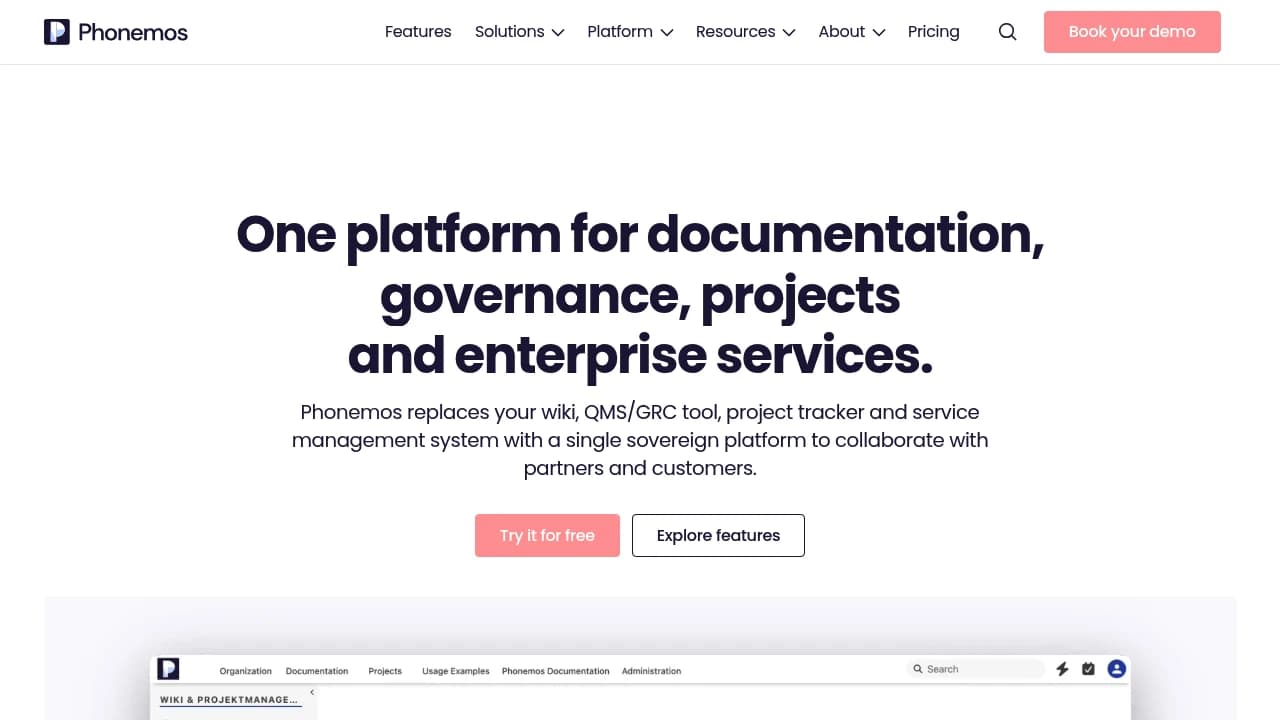
Phonemos replaces four separate tools, wiki, QMS/GRC system, project tracker, and service desk, with a single platform. Most organisations run these as disconnected systems, each with its own licence, integrations, and knowledge silos. When partners or auditors need access, you either pay for full seats or offer limited guest access that goes unused.
The platform covers:
- Documentation: Structured, multilingual, AI-searchable knowledge bases for teams and external collaborators
- Governance & Compliance: ISO 9001, 14001, 27001 management systems with audit trails, always current. Phonemos runs its own certifications on the platform to prove it works
- Projects: Tasks, Kanban, Gantt, and portfolio views linked directly to knowledge and governance layers
- Enterprise Services: Service catalogues, helpdesk, and request management for any team, not just IT
Phonemos is built for mixed teams where developers are a small minority. Most project participants, managers, analysts, quality leads, stakeholders, need to track progress and stay informed without paying for developer-grade tools. Business users get full editor access; stakeholders get scoped portal views at no licence cost. Developers keep their specialised DevOps stack; Phonemos connects to it via integrations.
AI integration doesn't lock you in. Connect your own LLM, Copilot, Mistral, local on-premise models, or any OpenAI-compatible endpoint. Semantic search works across all content today. An MCP server exposes your knowledge base as grounded context for enterprise AI platforms. Your data stays in Phonemos; AI processing stays with your chosen provider.
Sovereignty and compliance are core. Developed and operated in Switzerland by linkyard AG. ISO 27001:2022 certified. GDPR compliant under Switzerland's EU adequacy decision. No US providers in the stack, so the US CLOUD Act doesn't apply. Deploy to Swiss cloud, any AWS region, or self-hosted in your own data centre. SSO, Passkey/FIDO2, and SCIM provisioning are standard, not paid upgrades.
Migration from Confluence, SharePoint, Azure DevOps Wiki, or Word documents is straightforward with built-in importers. For cost, editor licences start from CHF 3 per month; viewer licences are cheaper. When you add up separate wiki, GRC, project, and service desk subscriptions, consolidation typically saves significantly for mid-market organisations.
Notion
Find alternatives to

 Proton Unlimited – Your digital life deserves better than US tech.