European Cap Alternatives
A curated collection of the 4 best European alternatives to Cap.
The best European alternative to Cap is Tella. If that doesn't suit you, we've compiled a ranked list of other European Cap alternatives to help you find a suitable replacement. Other interesting alternatives to Cap are: Screen Studio, Screenity, and Shotbase.
Cap alternatives are mainly Video & Screen Recording Tools but may also be Design & Creative Software. Browse these if you want a narrower list of alternatives or looking for a specific functionality of Cap.
This list contains services from companies headquartered, including any parent companies, in the European Union (EU), the European Economic Area (EEA), the European Free Trade Association (EFTA), the United Kingdom, an EU candidate country, or a European microstate. Russia and Belarus are excluded. You can read more about the listing conditions here.

Written by Piotr Kulpinski

Cap


Create professional product demos, tutorials, and courses with AI-powered editing. Record in clips, remove filler words automatically, and publish in 4K quality.

Transform your screen recordings into professional videos without the complexity of traditional video editing software. This innovative platform combines intelligent recording with automated editing to help entrepreneurs and creators produce high-quality content in minutes, not hours.
Revolutionary clip-based recording lets you capture videos in manageable segments, making it easy to organize your thoughts and create polished presentations. Built-in speaker notes keep you on track, while cross-platform compatibility ensures you can work seamlessly on Mac, Windows, or directly in your browser.
The AI-powered editing suite automatically removes silences, cuts filler words, and trims unnecessary footage. Edit your videos like a document using the text-based transcript editor, add smooth zoom effects to highlight important details, and choose from preset backgrounds or upload your own for brand consistency.
Professional publishing options include instant web sharing with custom links, 4K video downloads for platforms like YouTube and LinkedIn, and embeddable players for websites and applications. The platform handles hosting, commenting, and viewer engagement features automatically.
Perfect for creating product demonstrations, educational tutorials, sales presentations, and online courses. Users report reducing their video production time from hours to minutes while achieving significantly better results than traditional screen recording tools. The intuitive interface requires no video editing experience, making professional video creation accessible to everyone.


Professional screen recorder for macOS that automatically adds zoom effects, smooth cursor movement, and beautiful animations to create engaging product demos and tutorials.

Screen Studio transforms ordinary screen recordings into professional-quality videos with minimal effort. This macOS-native application automatically applies sophisticated effects that would typically require hours of manual editing.
Key features include:
- Automatic zoom effects that focus on cursor actions and important screen areas
- Smooth cursor movement that eliminates shaky, rapid movements
- Professional animations applied by default to enhance visual appeal
- Webcam and system audio recording for comprehensive tutorials
- iOS device recording via USB connection for mobile app demos
The software excels at creating engaging product demonstrations, educational courses, and social media content. It offers both vertical and horizontal export options, making it perfect for various platforms. Users can customize backgrounds, spacing, shadows, and branding elements to match their style.
Advanced capabilities:
- Generate transcripts and subtitles locally on your machine
- Export in up to 4K 60fps or optimized GIFs
- Copy videos directly to clipboard for quick sharing
- Record keyboard shortcuts and display them in videos
- Motion blur effects for natural-looking movement
Screen Studio offers flexible pricing with both subscription ($108/year) and one-time purchase ($229) options. The tool has gained popularity among content creators, developers, and marketers for its ability to produce high-impact videos automatically without requiring video editing expertise.


Privacy-focused Chrome screen recorder with unlimited recording time, drawing tools, video editing, and no sign-up required. Open source and GDPR compliant.

Screenity is a comprehensive screen recording solution for Chrome that prioritizes your privacy while delivering professional-grade features. Unlike traditional screen recorders, Screenity operates completely offline with no data collection, time limits, or mandatory sign-ups.
Key features include:
- Unlimited recording - capture videos for as long as needed without restrictions
- Real-time annotation - draw directly on your screen while recording to highlight important points
- Built-in video editor - trim, crop, and adjust audio without leaving the extension
- Camera integration - record your screen and webcam simultaneously for engaging presentations
- Privacy-first approach - all recordings stay on your device unless you choose to share them
The tool excels at creating tutorials, demos, and feedback videos with its intuitive interface and professional features like blur effects, timers, and customizable layouts. With over 250,000 installations and a 4.4/5 rating, Screenity has proven its reliability among content creators and professionals.
For users requiring cloud storage and advanced editing, Screenity Pro offers 100GB storage, multi-scene editing, animated templates, and EU-based infrastructure while maintaining the same privacy standards. The core extension remains completely free and open source, making it accessible to everyone who needs reliable screen recording capabilities.


Screen capture workspace for macOS that captures, edits, organizes, and shares screenshots and recordings with local AI that automatically names and tags content.
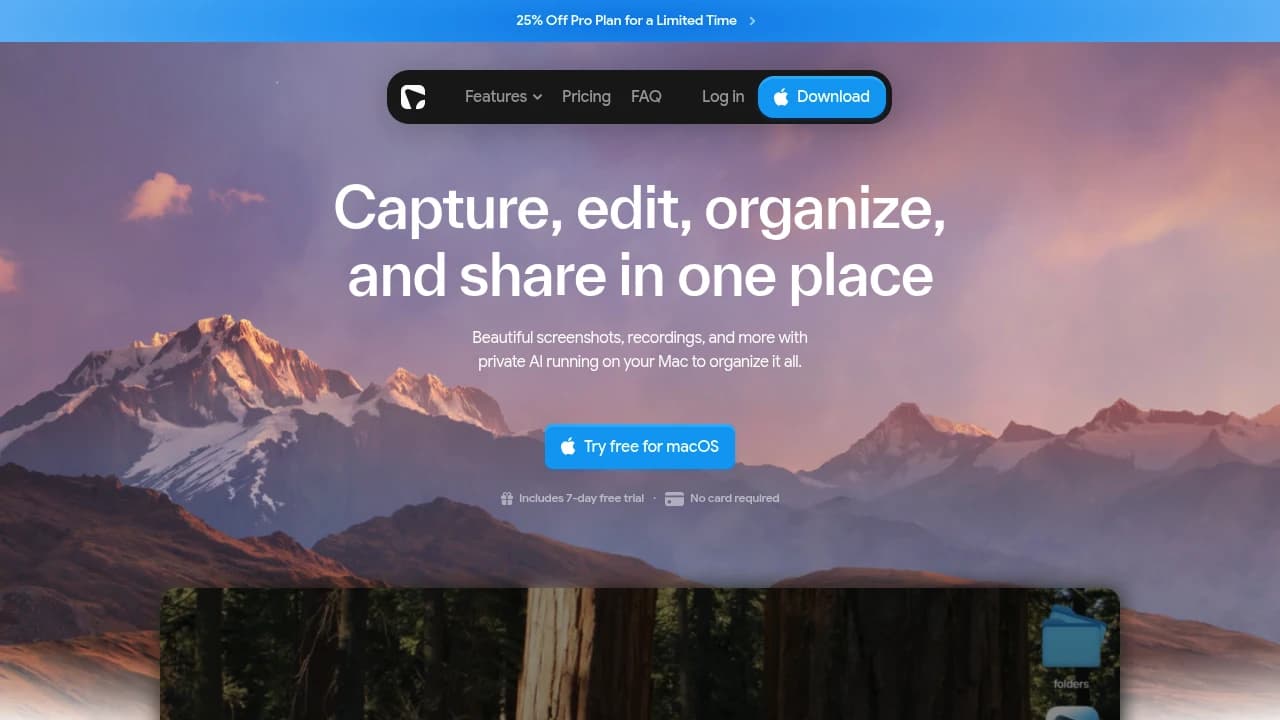
Shotbase is a screen capture workspace for macOS that handles everything from initial capture to final sharing. It's designed for designers, product managers, and content creators who need more than basic screenshot tools.
The app captures screenshots, screen recordings, and full web pages. Screen recordings get automatic zoom effects that follow the action, plus 3D transforms that add depth and movement. Web page capture works across different breakpoints and supports both light and dark modes. Scrolling screenshots capture entire pages beyond what's visible on screen.
Built-in editing works for both static and motion content. Add backgrounds, frames, shadows, annotations, arrows, and callouts. Turn recordings into guided walkthroughs with automatic zooms and text overlays. The 3D transforms can make flat recordings feel cinematic.
Local AI runs on Apple Silicon Macs to automatically organize captures. It generates meaningful filenames, adds relevant tags, and creates quick summaries without sending content to external servers. This makes finding specific captures fast through smart search that understands both names and visual content.
The sharing system creates clean links for any finished capture. Upload screenshots or recordings, get a browser-ready link, and share it anywhere. Recipients don't need Shotbase to view shared content.
Shotbase positions itself as an alternative to tools like CleanShot X and Screen Studio, combining their capture capabilities with AI-powered organization that keeps everything searchable and accessible in one workspace.
Find alternatives to

 Proton Unlimited – Your digital life deserves better than US tech.