Screen Charm

Mac screen recorder that automatically zooms to clicks, generates captions, and exports 4K videos or shareable links without editing software.



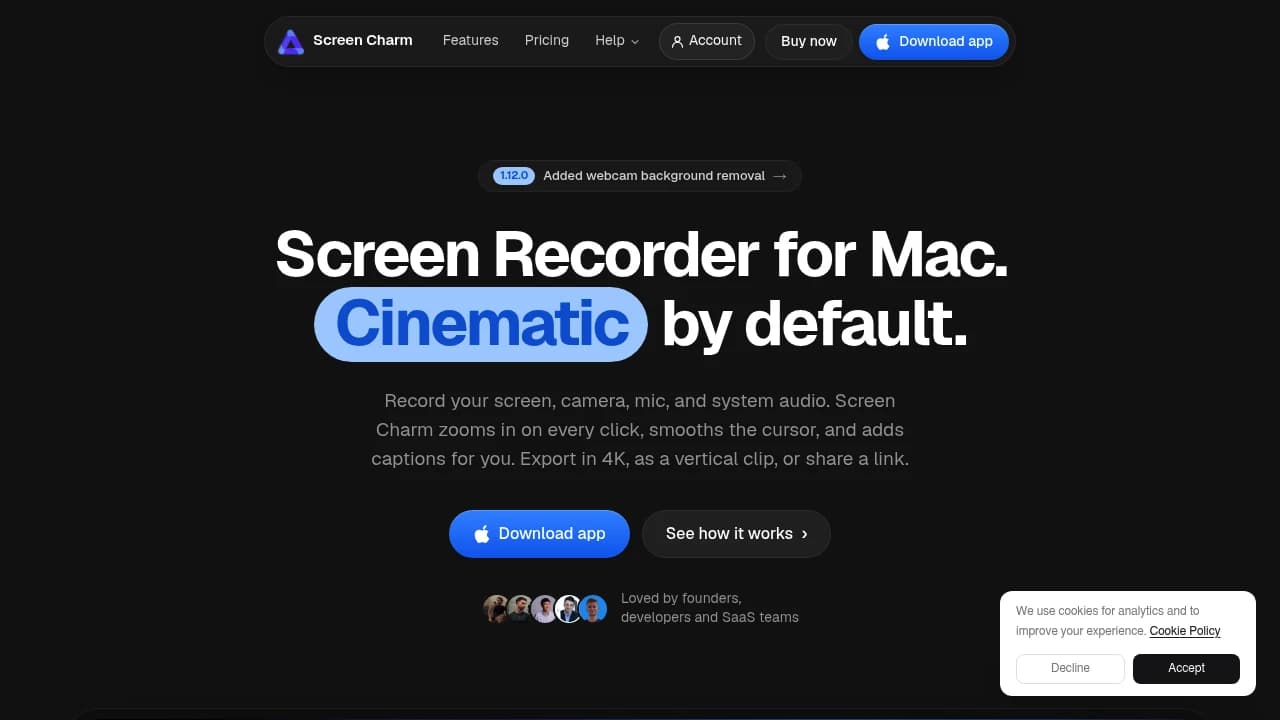
Screen Charm is a Mac screen recorder built for anyone who needs to create polished product demos, tutorials, or launch videos without spending hours in post-production. It captures your screen, camera, microphone, and system audio in one session, then applies professional touches automatically: zooming to every click, smoothing cursor movement, and generating captions from your narration.
The tool is designed for developers showing off features, course creators building lessons, and founders recording product demos. You record once, and the app handles the polish. Auto-zoom focuses viewers on what matters. Captions let people follow along with the sound off, so your video works on muted feeds. Motion blur makes fast interactions feel smooth and cinematic. If you need to fix something, you edit in the built-in editor without re-recording.
Key capabilities include:
- Auto-zoom that triggers on every click, tweakable or removable after recording
- Captions generated from audio with style options, no external subtitle tool needed
- Vertical export for Reels, Shorts, and TikTok with camera on one side and screen on the other
- 4K local export or one-click shareable links that require no account or download from viewers
- Camera layouts that let you position a webcam overlay as a floating bubble or pinned to any edge
- Editing tools for trimming, speed control, blur regions (to hide sensitive info), background music, and click highlights
- Mic enhancement that removes hiss, keyboard noise, and room sound with one toggle
- Device frames and gradient backgrounds to wrap recordings in a polished look
Screen Charm is a native macOS app that runs on Apple Silicon and needs macOS Sonoma 14 or later. You work entirely in the app, from recording through export. Cursor smoothing and auto-zoom are applied after recording, so you can tweak or disable them. Recordings stay on your Mac unless you create a share link, and viewers can watch that link without an account or a download.
Every plan includes every feature and covers up to three Macs. It costs $19 a month or $89 a year, and you can cancel anytime.
Get updates on the best new European alternatives, straight to your inbox.
Similar to Screen Charm

 pCloud – Cloud storage that's yours for life, and private by design. Get Lifetime Cloud with 50% OFF!